SFTP Agent
Exchange files over SFTP from your workflows.
What it does
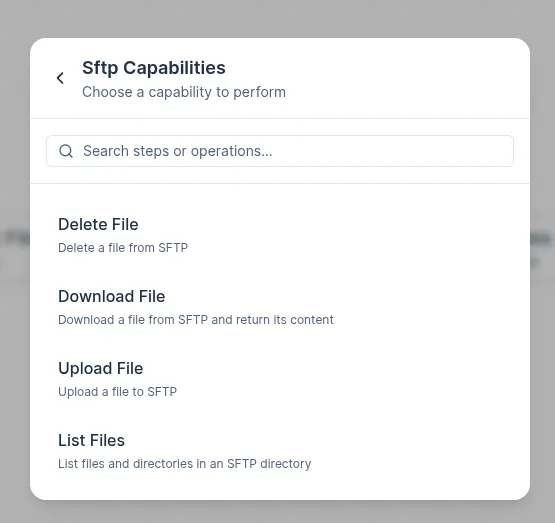
- Connects to an SFTP server to list, download, upload, delete, and move files.
- Acts as a bridge between external file drops from partners and the processing steps inside your workflow.
Typical patterns
-
Inbound file drop (partner sends CSV/XML to SFTP) List files in the remote directory → check for a new drop → Download the file → Parse with CSV or XML agent → Process data → Delete or archive the file.
-
Outbound report delivery (SyncMyOrders pushes an export to a partner SFTP) Build the report content in-flow → Upload to the agreed destination path on the partner’s SFTP server.
-
Acknowledged file exchange (download, process, then confirm) Download → Process → Upload a
.doneor acknowledgement file to the same directory to signal successful completion.
Key actions
-
Directory operations
- List files in a remote directory, with optional name filter or pattern.
- Check whether a specific file exists.
-
File operations
- Download a file (returned as data you can pass to later steps, as binary or text).
- Upload a file with provided content to a specified remote path.
- Delete a file when it is no longer needed.
- Move or rename a file within the server.
Custom parameters
-
Download — Response format Determines how the downloaded file content is returned to downstream steps.
text— returns the file as a plain string; use for CSV, XML, JSON, and other human-readable files.base64— returns the file as a Base64-encoded string; use when passing binary content (archives, images) through mapping fields that expect a string.
-
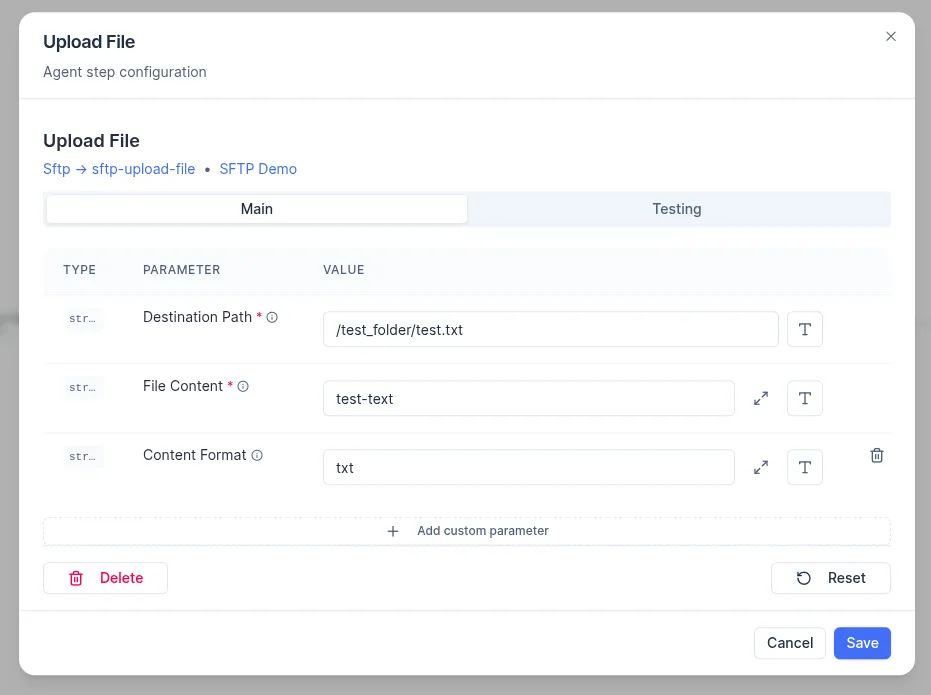
Upload — Content format Determines how the content passed to the Upload action is interpreted.
txt— expects a plain string value; use when the file content is produced as text.
Combining with other agents
CSVorXMLagent: parse the content of a downloaded file into structured data.Compressionagent: unzip archives before parsing, or zip files before upload.Fileagent: handle raw binary content between an SFTP download and another upload destination.Transform/Text Tools: reshape or normalize file content before writing.
Setup notes
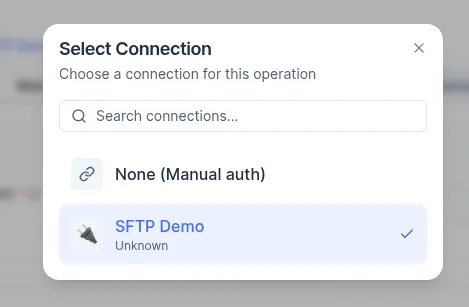
- Select a pre-configured SFTP connection from the connection dropdown before using the agent. Requires SFTP host, port, username, and key or password in your connection.
- Paths are case-sensitive; confirm you have permission to write or delete before running destructive steps.